
Automate Instagram Posts with Python: A Complete Guide
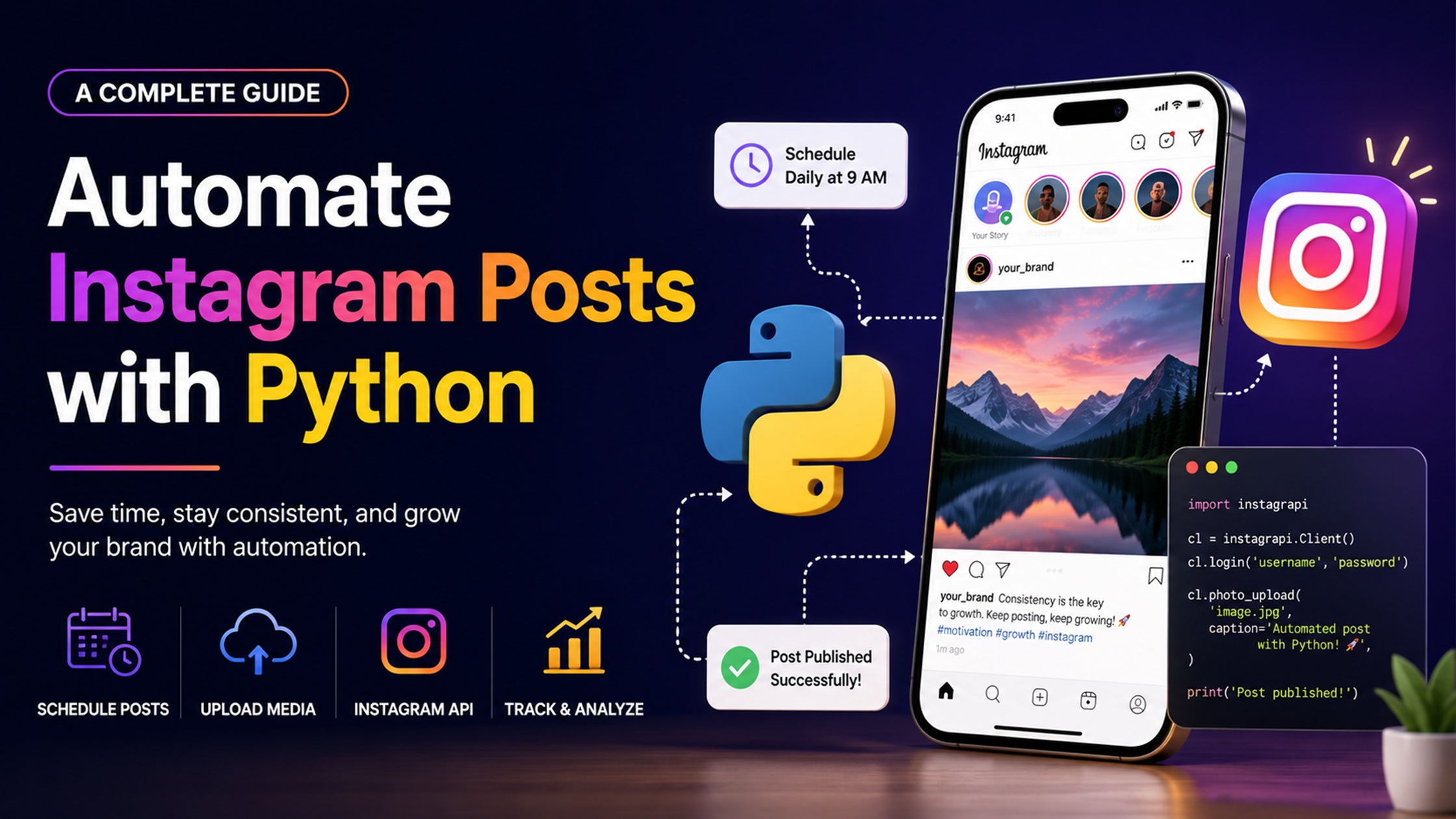
Are you tired of spending countless hours crafting the perfect Instagram posts? If so, you’re not alone. Many businesses and influencers are looking for ways to streamline their social media efforts without sacrificing quality. Enter Instagram content automation using Python APIs—a game-changer that can help you save time while maintaining an engaging presence on this popular platform.
Imagine being able to schedule your posts effortlessly, engage with your audience more effectively, and even analyze performance metrics—all with a few lines of code. Sounds too good to be true? Well, it’s possible! This guide will walk you through how to harness the power of Python for automating your Instagram tasks. Get ready to take control of your social media strategy like never before!
Benefits of automating Instagram posts
Automating Instagram posts can save you a significant amount of time. With automation, you can schedule your content in advance, allowing for consistent posting without daily effort.
This consistency helps build audience engagement. Regularly appearing in feeds keeps your brand top-of-mind and encourages interaction with followers.
Another advantage is the ability to analyze data more effectively. Automated tools often come equipped with analytics features, enabling you to track what works best for your audience.
Additionally, automation frees up creative energy. Instead of stressing over when to post or how many hashtags to use, you can focus on crafting high-quality content that resonates with your followers.
Automating posts allows for better testing strategies. You can experiment with different times and formats without disrupting your regular posting schedule.
How to set up a Python environment for automation
Setting up a Python environment for automation is straightforward. Start by downloading the latest version of Python from the official website. This ensures you have access to all current features.
Next, install a code editor or an Integrated Development Environment (IDE) like PyCharm or Visual Studio Code. These tools make coding more efficient and user-friendly.
Once your IDE is ready, create a virtual environment using `venv`. This isolates your project dependencies from other Python projects on your system. Use the command `python -m venv myenv` in your terminal to set it up.
Activate your virtual environment with `source myenv/bin/activate` on macOS/Linux or `myenvScriptsactivate` on Windows. Now, you can install necessary libraries without affecting global packages.
Consider installing popular libraries like Requests and Instabot using pip. These will help streamline Instagram content automation using Python APIs effectively.
Choosing the right automation tools and libraries
Choosing the right tools and libraries for Instagram content automation using Python APIs is crucial. With a myriad of options available, it’s essential to select ones that meet your specific needs.
Popular libraries like Instabot and PyInstaBot are great starting points. They provide user-friendly interfaces tailored for automating tasks on Instagram effectively. These tools simplify processes such as posting photos, liking posts, or following users.
Consider scalability when selecting a library. Will it grow with your expanding brand? Some libraries offer advanced features like analytics integration and engagement tracking that can be quite beneficial in the long run.
Always check community support and documentation quality too. A well-documented library will save you time during setup and troubleshooting. Engaging with active communities can also provide insights into best practices and common pitfalls to avoid while automating your Instagram presence.
Creating an Instagram bot with Python
Creating an Instagram bot with Python is an exciting endeavor that can enhance your social media strategy. Start by selecting a suitable library, like Instabot or Selenium, which simplifies the process of interacting with Instagram’s API.
After setting up your development environment, install the chosen library using pip. This allows you to access powerful features like posting images, following users, and liking posts programmatically.
Next, authenticate your bot by providing your Instagram credentials securely. Be cautious about handling sensitive information in your code.
Once authenticated, begin coding the desired actions for your bot. For instance, you might create functions to post content at specific times or engage with user comments automatically. Testing each function ensures everything operates smoothly before going live.
By implementing these steps thoughtfully, you’ll have a functional Instagram bot ready to streamline your content automation efforts effectively.
Scheduling and managing automated posts
Scheduling automated posts is crucial for maintaining a consistent presence on Instagram. With the right tools, you can plan your content weeks or even months in advance.
Using Python libraries like `schedule` and `APScheduler`, you can create scripts that dictate when each post goes live. These frameworks allow for flexibility, letting you choose specific days and times tailored to your audience’s peak engagement hours.
Managing these posts also involves monitoring performance metrics. By analyzing likes, shares, and comments, you can refine your strategy over time. It’s essential to adjust your content based on what resonates with followers.
Automation doesn’t mean completely stepping back from interaction. Make sure to regularly engage with comments and messages to maintain authenticity in your brand voice while automating the posting process.
Tips for successful Instagram automation
When diving into Instagram content automation using Python APIs, consistency is key. Post regularly to maintain engagement and keep your audience interested.
Diversify your content. Mix images, videos, and stories to create a vibrant feed that captures attention. Use analytics tools to track what resonates most with your followers.
Timing matters too. Schedule posts during peak activity hours for your target audience. This enhances visibility and interaction rates.
Don’t forget about captions and hashtags! Craft engaging captions that encourage interaction while researching relevant hashtags to boost discoverability.
Engage actively with your audience even when automating posts. Responding to comments or direct messages builds community trust.
Stay updated on Instagram’s policies regarding automation practices. Compliance ensures you avoid potential account issues down the line without sacrificing quality engagement or reach.
Potential risks and drawbacks of automation
Automation can be a double-edged sword. While it offers convenience, it also introduces potential risks that users should consider carefully.
One major concern is the violation of Instagram’s terms of service. Automated actions can lead to account suspensions or bans if detected. This risk escalates with aggressive posting schedules or excessive engagement activities.
Another drawback is the loss of authenticity in interactions. Automation may reduce genuine connections with followers, resulting in less meaningful engagement and community building.
Additionally, relying solely on automation tools might hinder creativity. Content creation often benefits from spontaneity and personal touch—elements that automated processes can’t replicate well.
There’s the challenge of managing technical glitches. Software bugs or connectivity issues could disrupt your posting schedule, negatively impacting your brand’s consistency and reliability.
Navigating these pitfalls requires careful planning and strategic thinking.
Conclusion
Automating your Instagram posts using Python APIs can transform the way you manage your content. By leveraging powerful tools and libraries, you can streamline your social media strategy and save valuable time.
As you’ve learned throughout this guide, setting up a Python environment is straightforward. With the right automation tools at your disposal, creating an Instagram bot becomes a manageable task. Scheduling and managing automated posts not only enhances efficiency but also keeps your audience engaged consistently.
While there are numerous advantages to automating Instagram content, it’s crucial to remain aware of potential risks involved in automation practices. Balancing innovation with ethical considerations will serve you well in building trust with followers.
Embracing Instagram content automation through Python opens doors to creativity and productivity that were previously difficult to achieve manually. As you embark on this journey, remember that thoughtful engagement still holds paramount importance in maintaining genuine connections on social media platforms.
 Previous post
Choose a Right Website Developer
Previous post
Choose a Right Website Developer