Remote Team Management Software: Features, Benefits, and Top Picks
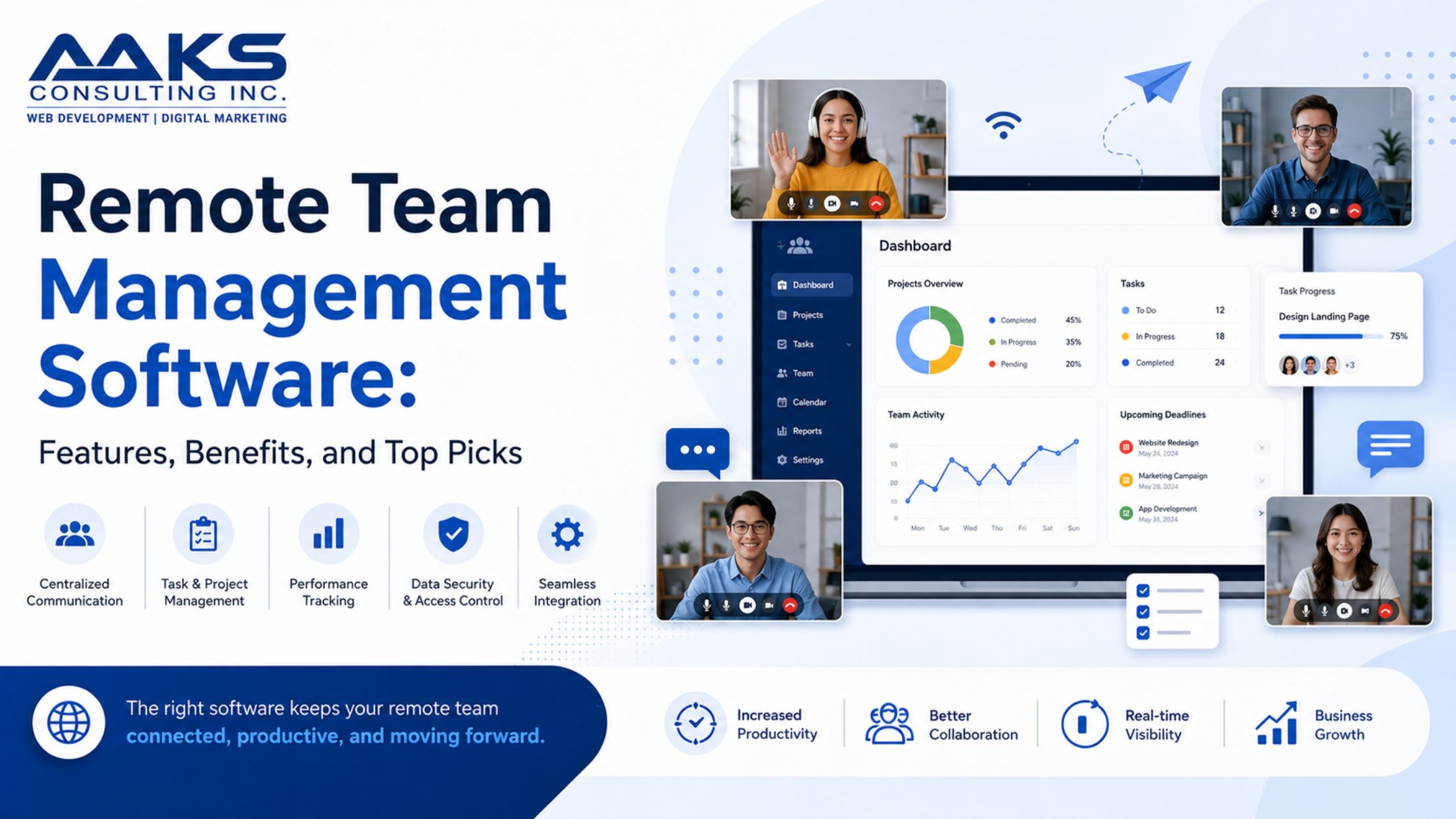
The way we work has changed a lot in recent years. More teams are working from different places, so managing them effectively is more important than ever. Remote Team Management Software is a big help for companies that want to keep their teams productive and working well together even when they’re not in the same place.
Those days when everyone had to be in one room to stay on track are gone. Now, there are tools that help connect people, make communication easier, and ensure that every team member feels included, no matter where they are. But what exactly does this software do? Let‘s look at its benefits, features, the best options on the market, and some tips to make the most of these tools. Let‘s explore how this technology can help your team do better than ever before.
The Benefits of Using Remote Team Management Software
Remote team management software offers a level of flexibility that traditional offices can’t. Teams can work from anywhere, breaking down geographical limits and accessing talent from all over the world.
Enhanced communication is another major advantage. With integrated chat features, video calls, and project updates in real time, everyone stays informed and engaged.
This software also streamlines project management. Tasks are easily assigned with clear deadlines. This transparency helps teams prioritize their work effectively.
Moreover, remote team management tools often come with performance tracking capabilities. Leaders can monitor progress without micromanaging, empowering employees to take ownership of their tasks.
Many of these platforms offer valuable insights through analytics. Organizations can assess productivity trends over time, helping them make data-driven decisions for improvement moving forward.
Key Features to Look for in Remote Team Management Software
When choosing remote team management software, start by looking for an easy-to-use interface.
Next, consider collaboration tools. Features like chat functions, video conferencing, and shared document editing foster seamless communication.
Look for project tracking capabilities as well. This helps monitor progress on tasks, ensuring everyone stays aligned with deadlines and goals.
Integration options are crucial too. Compatibility with existing tools can streamline workflows without disrupting established processes.
Focus on security features to protect sensitive information. Robust data encryption and access controls should be standard in any reputable software solution.
Top Picks for Remote Team Management Software
When it comes to choosing the right remote team management software, several options stand out for their unique features and user-friendly interfaces.
Trello is a favorite among teams that thrive on visual organization. Its card-based system makes project tracking intuitive and engaging.
Asana offers robust task management capabilities, perfect for larger projects with multiple collaborators. The ability to set deadlines and assign tasks ensures everyone stays accountable.
For those prioritizing communication, Slack integrates seamlessly with various tools while providing real-time messaging options. It keeps conversations organized in channels specific to different projects or teams.
Notion deserves a mention as well; its versatility allows users to create wikis, databases, and more—ideal for knowledge sharing within remote teams.
Monday.com combines project management with automation features. This platform streamlines workflows effectively while keeping everything centralized. Each tool brings something distinct to the table.
Tips for Implementing and Maximizing the Use of Remote Team Management Software
To get the most out of remote team management software, start by ensuring everyone is on board. Conduct training sessions to familiarize your team with the platform. The smoother the onboarding process, the faster they’ll adapt.
Encourage open communication within the software. Utilize chat features and discussion boards to foster collaboration and engagement among team members. This keeps everyone connected despite physical distance.
Set clear goals and deadlines using task management tools provided by the software. Break larger projects into manageable tasks for better tracking and accountability.
Regular check-ins can also enhance productivity. Schedule weekly meetings to discuss progress, address challenges, and celebrate achievements together.
Gather feedback from your team about their experience with the software. Continuous improvements based on user input will create a more effective working environment for everyone involved.
Conclusion
Remote Team Management Software is now a must-have for modern businesses dealing with a team that’s spread out. The benefits are huge, from better communication to smoother project management. These tools are made to help teams work together no matter where they are.
As you look at different options, focus on the features that fit your team’s needs best—whether it’s tracking time, assigning tasks, or working with other tools. Each software has its own strengths, so pick the one that works best for your way of doing things.
Using remote team management software isn’t just about choosing the right tool—it’s also about making the most of it. Encourage your team to use the software effectively and build a culture where everyone is clear and responsible.
By investing in the best remote team management software and using it wisely, companies can greatly improve productivity and make their employees happier. As more work moves online, using these tools the right way can help your team stand out from those who still rely on old ways. Choose wisely and watch your team‘s efficiency grow as they work together in this new world.